Table of Contents
Workflow basics
Elements of a workflow. In the process explorer in the menu processes you can create processes and workflows. A workflow is an automated process and always consists of a process model that defines th…

Table of Contents
Elements of a workflow
In the process explorer in the menu processes you can create processes and workflows.
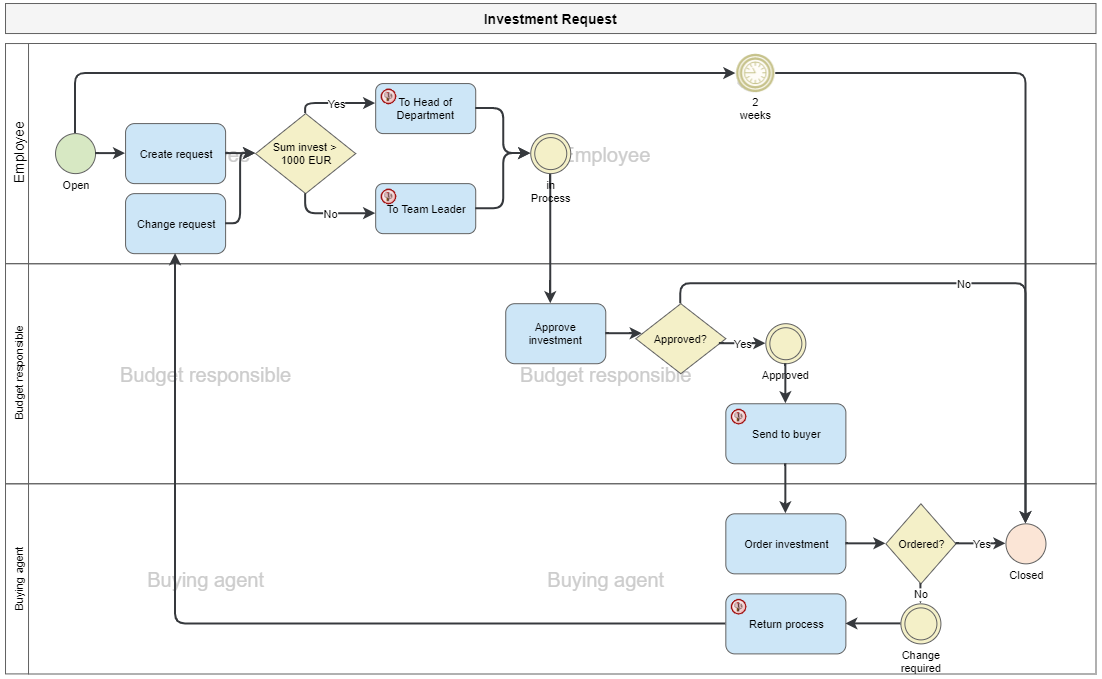
A workflow is an automated process and always consists of
- a process model that defines the flow of the workflow
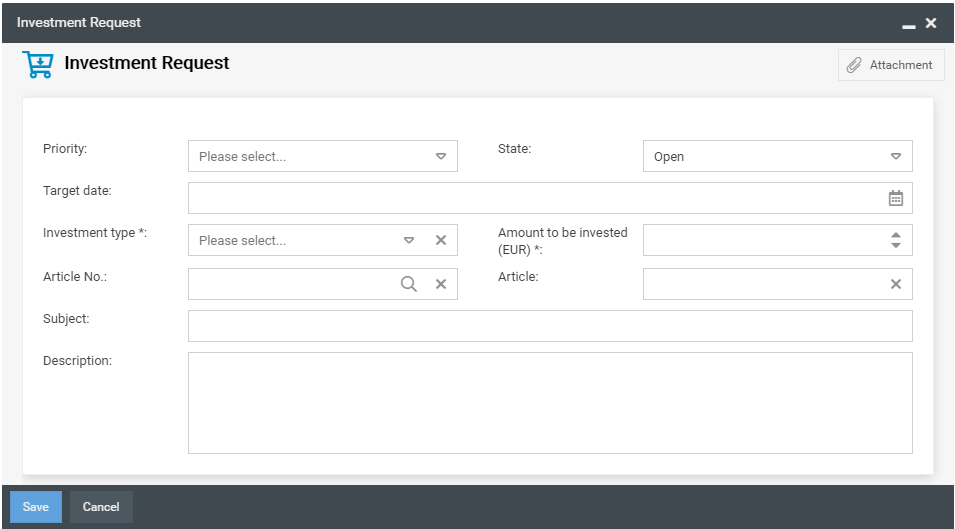
- Input masks (forms) in which the data of the work steps is entered.
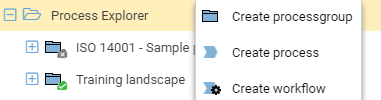
Creating a new workflow
By right-clicking on the Process Explorer in the Processes menu or by right-clicking on a process group in the Process Explorer, you call up the context menu and can create a new workflow. The workflow functions are already activated for this object.
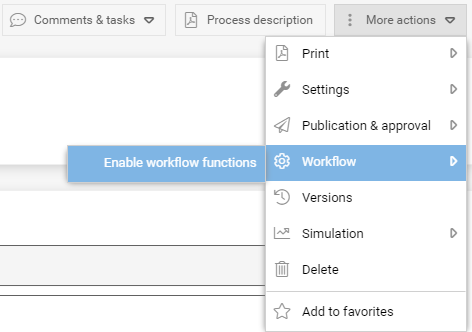
Alternatively, you can also create a new process in a process group using the Process Designer and then enable the workflow functions for this process.
Enable workflow functions
Workflow Engine
To provide the workflow objects of the process model with control options, the workflow engine must be opened and configured in the objects.
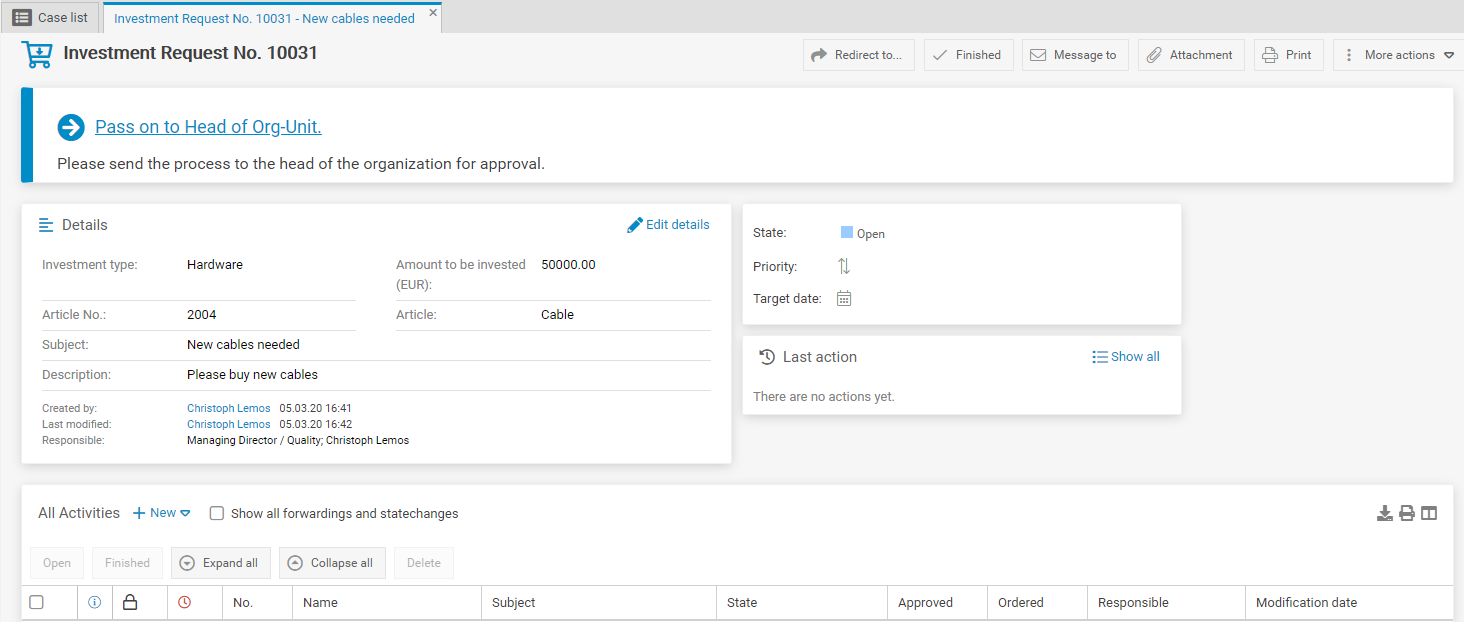
Result of a workflow
If a workflow is started, a process is created from it, which contains a unique process number.
How did we do?
Process model of a workflow
