Object: Events
Events are states relevant to a process flow and are used to indicate how a sequence flow is triggered, what significant events happen as it progresses (e.g., occurred or self-triggered events), and…

Events are states relevant to a process flow and are used to indicate how a sequence flow is triggered, what significant events happen as it progresses (e.g., occurred or self-triggered events), and how the process ends.
Event categories
These blank events are available directly in the Process Designer toolbar. If required, they can be further specified using the event types below.
Start event | Intermediate event | End event | Timer Event |
 |  |  |  |
Indicates the beginning of a process flow. | Indicates events that occur during the process flow (between start and end). | Indicates the end of a process flow. | Indicates cyclically occurring events, points in time, time spans or timeouts |
The formatting options for events correspond to the general options for all objects.
Event types
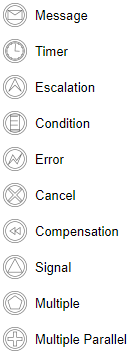
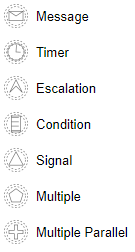
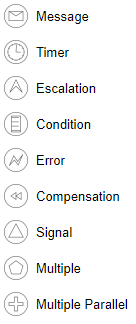
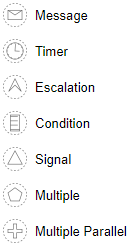
In addition to the standard symbols, all other variants from BPMN 2.0 are available for events. By right-clicking on a standard symbol, the following can be selected under 'Change event type to':
Start event | Intermediate catch event | Intermediate throw | Final event |
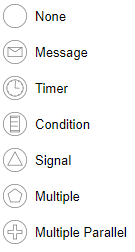 | 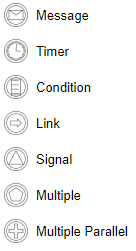 | 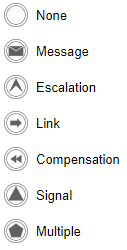 | 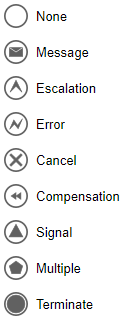 |
Additional types
Boundary interrupting | Boundary non interrupting | Start event sub-process interrupting | Start event sub-process non interrupting |
 |  |  |  |
How did we do?
Object: Connectors
Object: Gateways
