Login options and views
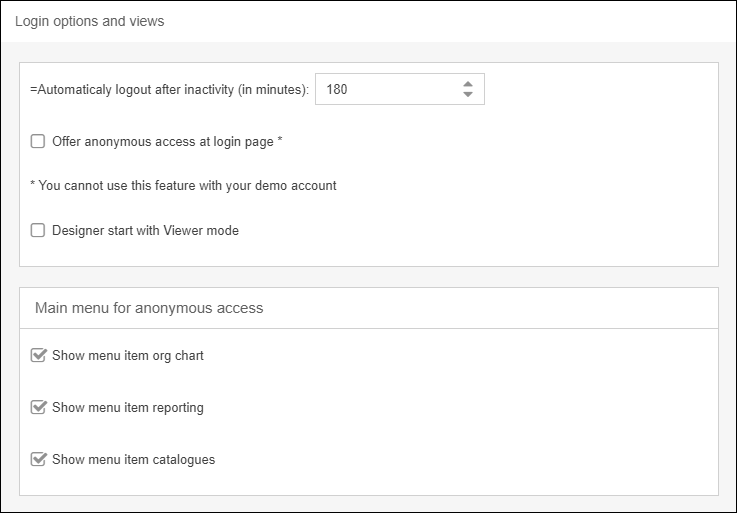
Here you can determine whether an automatic logoff after inactivity should take place. You can specify a value between 15 and 510 minutes. You can use the "Enable access without login" option when lo…

Here you can determine whether an automatic logoff after inactivity should take place. You can specify a value between 15 and 510 minutes.
You can use the "Enable access without login" option when logging in to determine whether users may log in without a user name and password. However, this is only possible if the software runs on a separate server. This setting is not recommended as no personalized data is displayed here.
You can also configure whether users with a Designer license should start with a viewer view after login. The viewer view can be deactivated via the header bar.
Under "Main Menu" you can determine whether the menu items Organization Chart, Reporting and Catalogs are available for viewers without login.
How did we do?
Date and time
Settings for process management
