Field: Process and Document fields
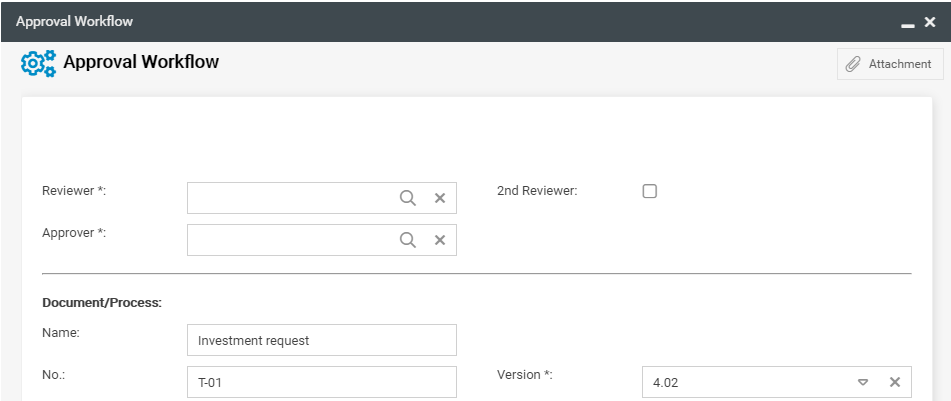
Process and document fields are fields that transfer the information of a process or document, such as the name, into the form. For these fields to work, the workflow must be defined as a special wor…

Process and document fields are fields that transfer the information of a process or document, such as the name, into the form.

The following fields are available:
Field | Description |
Valid from | Adopts the Valid from date if this has already been specified in the object. |
No. | Accepts the number of the object |
Object | Shows the type of the object - process or document. |
Process / Document | Accepts the name of the object |
State | Accepts the current status of the object |
Process owner / Responsible | Takes over the responsible person - process owner or document owner |
Process manager | Takes over the process manager To see this field, it's mandatory to activate "Show field process manager" in the process management settings. |
Version | Takes over the responsible person - process owner or document owner |
Version description | Adopts the version description of the object, if one is already defined. |
General field properties
How did we do?
Field: Data source for processes and documents
Field: Wiki
