Field: Multirow formatable text
A field of type "Multirow formattable text" can be used to display a field in a case in which a multirow formattable text can be entered. This field uses a WYSIWYG editor. Further functions of the ed…

A field of type "Multirow formattable text" can be used to display a field in a case in which a multirow formattable text can be entered. This field uses a WYSIWYG editor.
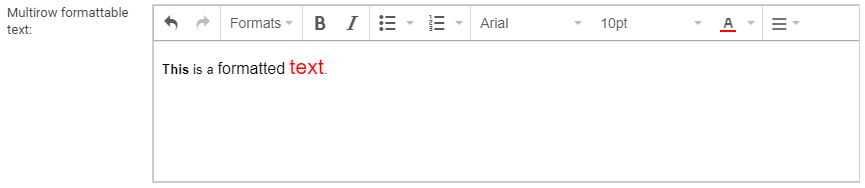
Further functions of the editor can be accessed via the Hamburg menu icon.
For example, hyperlinks to external and internal sources can be inserted. To do this, you must first select a part of the text that is to be made a hyperlink. A new link can then be entered using the "Insert/edit link" function. In the field "Target" you can set whether the link should open in the same window or in a new window.

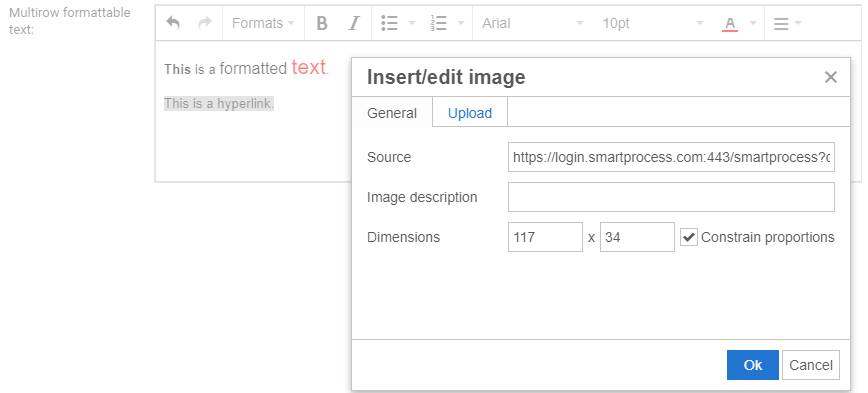
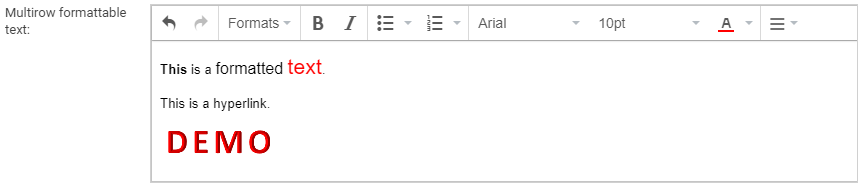
Furthermore, images can also be inserted in this field. With the function "Insert/edit image" any picture can be inserted. At this point you can either enter a URL to an image or upload an image from your own computer.
General field properties
How did we do?
Field: Multirow text
Field: Number
