BPMN import and export
SmartProcess supports the BPMN standard. With the export and import function of.bpmn files it is possible to transfer process models from other tools into SmartProcess. An overview of the supported e…

SmartProcess supports the BPMN standard. With the export and import function of .bpmn files it is possible to transfer process models from other tools into SmartProcess.
BPMN Import
If you have exported a process from another tool as a .bpmn file, you can use the following path to start the BPMN import to transfer the process model into SmartProcess: Menu Processes -> Import/Export -> Import -> BPMN
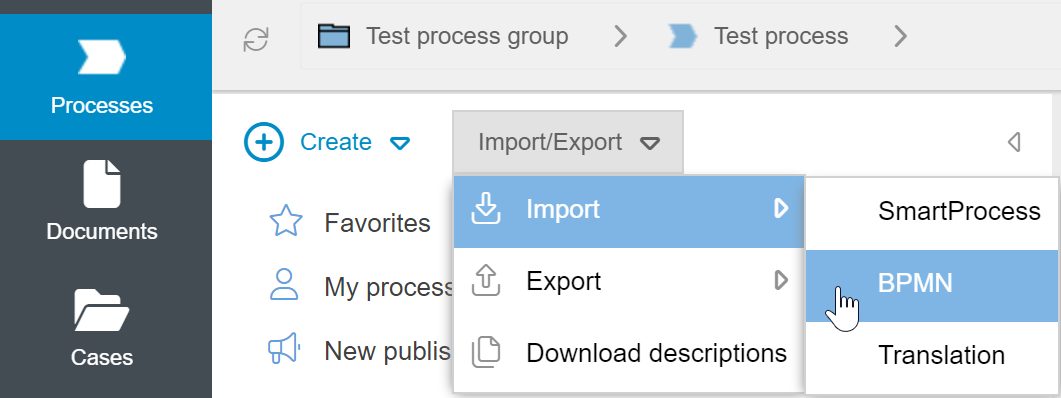
Click <Select file> and select the file from your drive that you want to import. After that click on <Import>.

The process is now imported and is in the Not Published state.
BPMN Export
To export a process model from SmartProcess as a .bpmn file, open it in the Process Explorer. Then select the path Import/Export -> Export -> BPMN in the navigation area.

If a process contains multiple white box pools (open pools), export is not supported. Export from a white box pool with multiple lanes and black box pools is supported. For better clarity in the process model, we recommend modeling with a white box pool with multiple lanes or modeling directly with lanes without a pool.
How did we do?
Export and import processes
Export and import translations
