Table of Contents
Login and password
Login. When a user account is created for you, you will receive an email containing your username and a link to set your own password. If SmartProcess is connected to an Active Directory , you will n…

Table of Contents
Login
When a user account is created for you, you will receive an email containing your username and a link to set your own password.
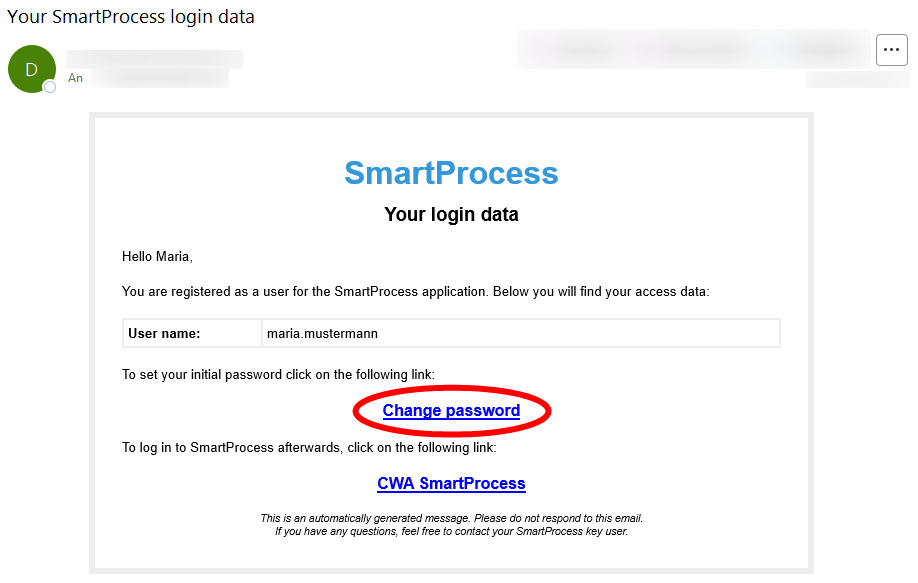
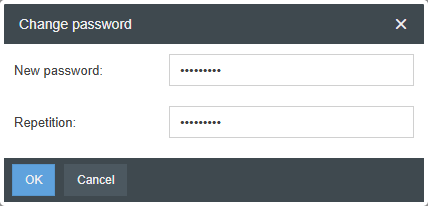
When you click Change Password a new tab will open in your web browser, asking you to set a password.
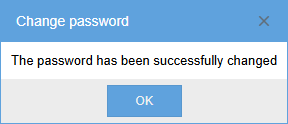
If this is successful, you’ll receive a confirmation message.
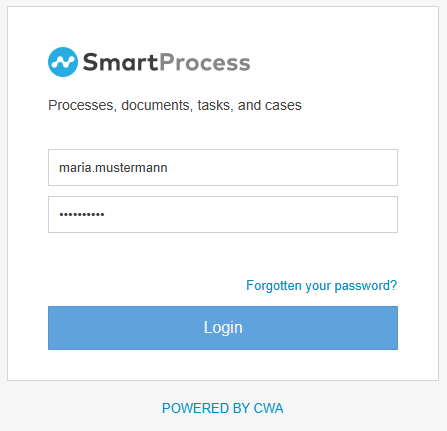
After clicking OK you will be redirected to the SmartProcess login page, where you can log in using the username from the email and the password you just created.
Reset password
If you have forgotten your password, click on the Forgotten your Password? button and enter either your username or the email address associated with your account.
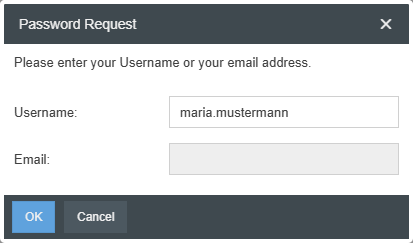
If a SmartProcess user exists for that username or email address, you’ll receive an email from the system shortly after. Clicking Change password in this email will take you to a window where you can set a new password (following the same procedure described above in the “Login” section).
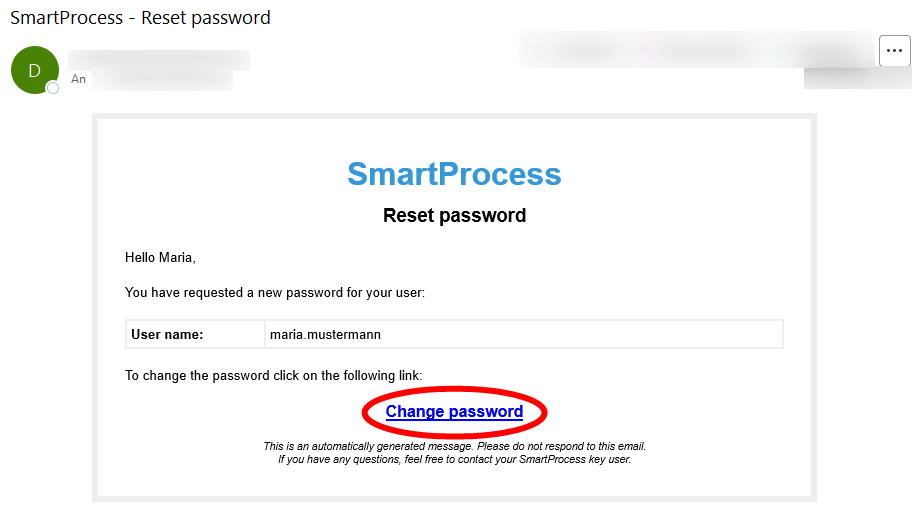
Change password
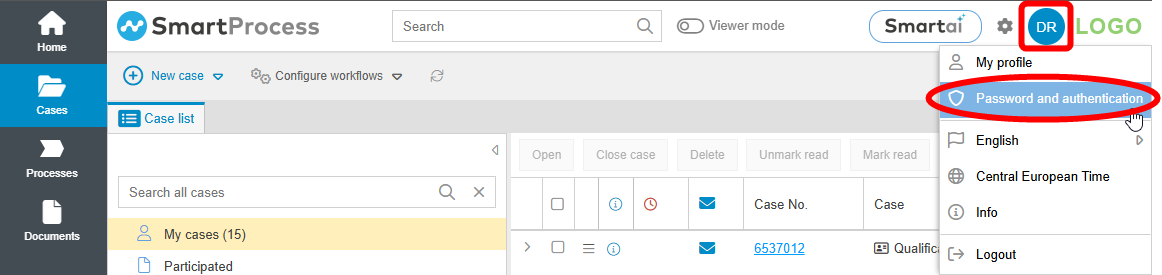
To change your password, you must already be logged in to SmartProcess. Select the icon with your initials or user image in the header bar, and then click on Password and authentication.
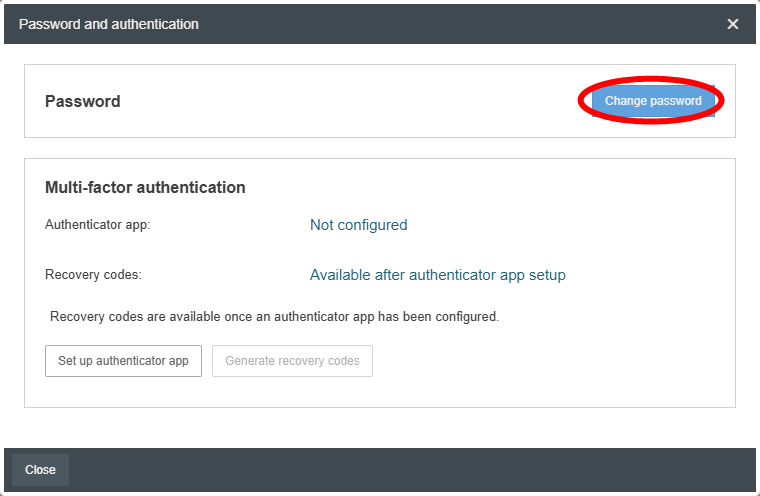
In the window that opens, you can change your password by clicking the Change Password button. To do this, you’ll need your old password and must set your new password in accordance with the specified password rules, if the system administrator has defined such rules.
How did we do?
Structure of SmartProcess
