User-defined images as modeling objects
If desired modeling objects are not available or additional symbols are required for modeling, any number of images can be used as modeling objects in SmartProcess. For this purpose, there is an area…

If desired modeling objects are not available or additional symbols are required for modeling, any number of images can be used as modeling objects in SmartProcess.
For this purpose, there is an area at the bottom of the symbol area in the Process designer in which you can add any number of image files via drag and drop.
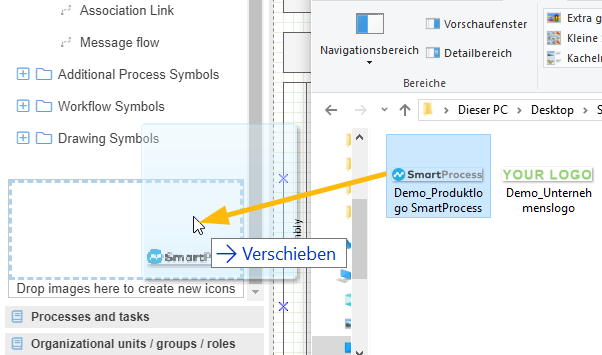
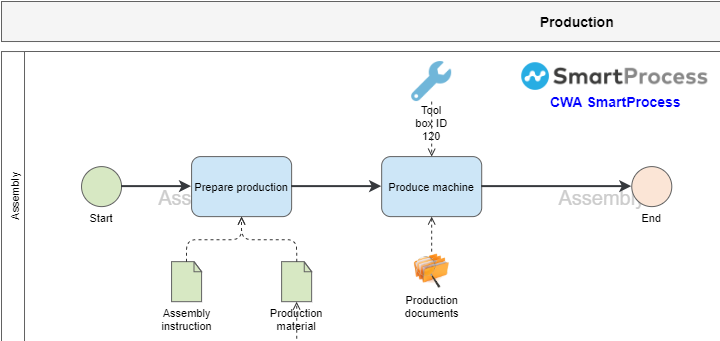
The images stored there can then be inserted into any number of process models. The images are available for modeling to all users who have editing rights for processes.
It is possible to add a name by double-clicking in the middle of the object and adjusting its font size and color. Further formatting is not possible.
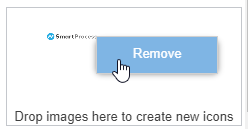
With a right click on the image in the symbol collection it can be removed as a modeling object.
How did we do?
Additional modelling objects
