Simulation of processing times and process costs
In SmartProcess you have the possibility to simulate process costs and lead times. To do this, open the menu <More Actions> of a process or click on the icon next to the process. Now you can specify…

In SmartProcess you have the possibility to simulate process costs and lead times.
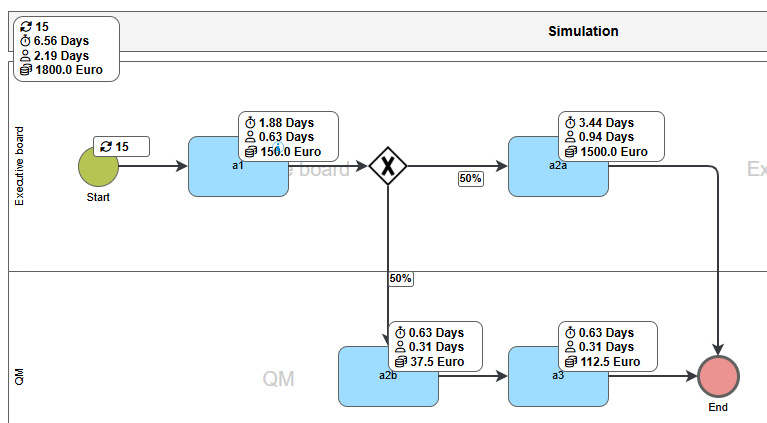
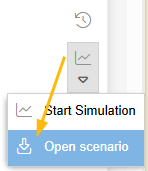
To do this, open the menu <More Actions> of a process or click on the icon next to the process.
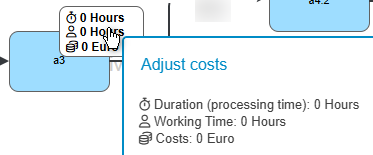
Now you can specify the lead time, processing time, and costs for exactly one run of the Task or Sub process.
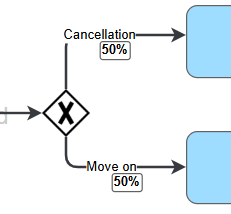
In connectors of exclusive gateways, you can specify the probability that the process follow this path.
Once all the necessary data has been entered, the scenario can be saved and/or the simulation started. Saved scenarios can be reloaded later. The simulation can also be started from the start event.
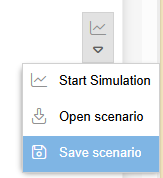
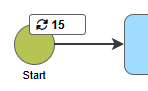
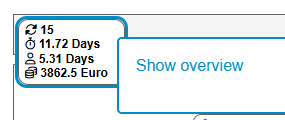
When the simulation is started, you can specify how many runs are to be performed and the time scale used to calculate the result. An extended overview with a detailed list of tasks is also available.
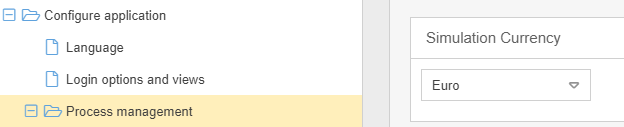
The currency for the costs is preset to Euro. You can define a different currency for the simulation in the settings under Configure application / Process management.
How did we do?
Share processes and processgroups
