Reporting menu
n the Reporting menu, the data of processes, documents and cases can be filtered and sorted according to various criteria. The Reporting menu item is only visible to users who have been granted the "…

Updated
by Dennis Reichle
n the Reporting menu, the data of processes, documents and cases can be filtered and sorted according to various criteria.
The Reporting menu item is only visible to users who have been granted the "View shared reports" authorization for either case processing or process and document management.
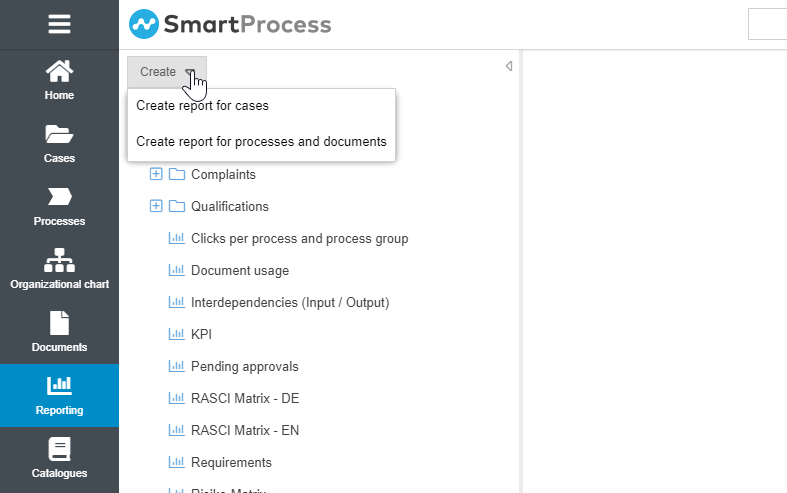
In the left area of the menu, the saved reports are listed and can be executed with a mouse click. To start a new report, click <Create>. In this drop-down menu, you can decide whether you want to run an evaluation for objects from process and document management or create a report for data from workflow cases and tasks instead.
The reading rights for processes, documents and cases are also taken into account in reporting. So if a user has reading rights for only 50 of 200 processes, he can only filter and sort 50 processes with access to the reporting.
How did we do?
Reporting for processes and documents
