Workflow object: Send form via e-mail
With the object "Send form via e-mail" input forms from the process can be sent to external persons by e-mail. A link in the e-mail allows the form to be opened in the web browser, filled in by the u…

Updated
by Christoph Lemos
With the object "Send form via e-mail" input forms from the process can be sent to external persons by e-mail. A link in the e-mail allows the form to be opened in the web browser, filled in by the user and sent back.
Not all SmartProcess functions and field types are available for forms sent using this function.
The following are not supported:
- Text fields with the field property Data source User administration or Data source Organizational unit, role, and user
- Field groups
- Contact fields
- Catalog fields
- Field type data source for processes and documents
The following are not supported:
- Text fields with the field property Data source User administration or Data source Organizational unit, role, and user
- Field groups
- Contact fields
- Catalog fields
- Field type data source for processes and documents
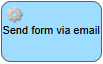
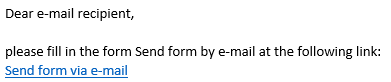
The link displayed in the mail corresponds to the naming of the object in the workflow and can be changed via it:
 |  |
Properties
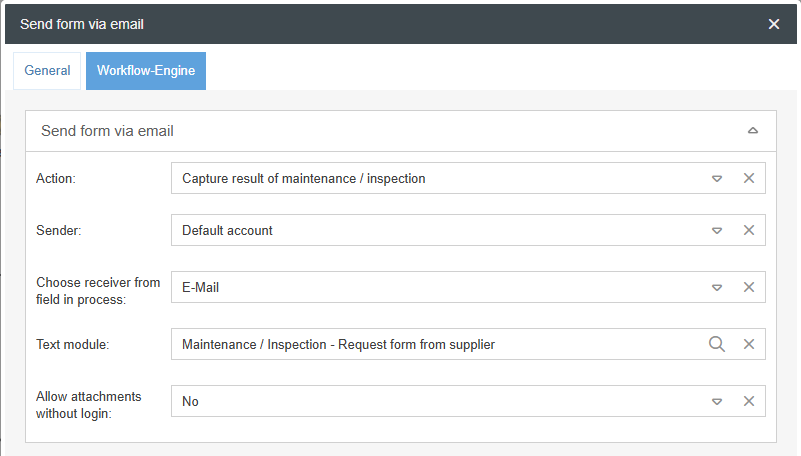
- Action: In the Workflow Engine, the form to be sent can be selected in the "Action" field. To do this, a task or sub-process with a form must first be created so that an action can be entered.
- Sender: You can specify which sender account should be used to send the email from SmartProcess. You can choose from the accounts that have been defined in the email settings.
- At "Choose receiver from field in process" a field can be selected that contains the recipient(s) for the form. This must be in the form of an e-mail address. A selection from all available fields of the process is provided here.
- The "Template" is the internal text module that is predefined for requesting a form in the system.
The text module can be adjusted in the settings. However, it is absolutely necessary to use this text module, because only this text module contains a placeholder for the link to the form.
- Allow attachments without login: Specify here whether all recipients including external users may add attachments to the form (Yes) or only those who are logged in to the system in parallel as internal users (No).
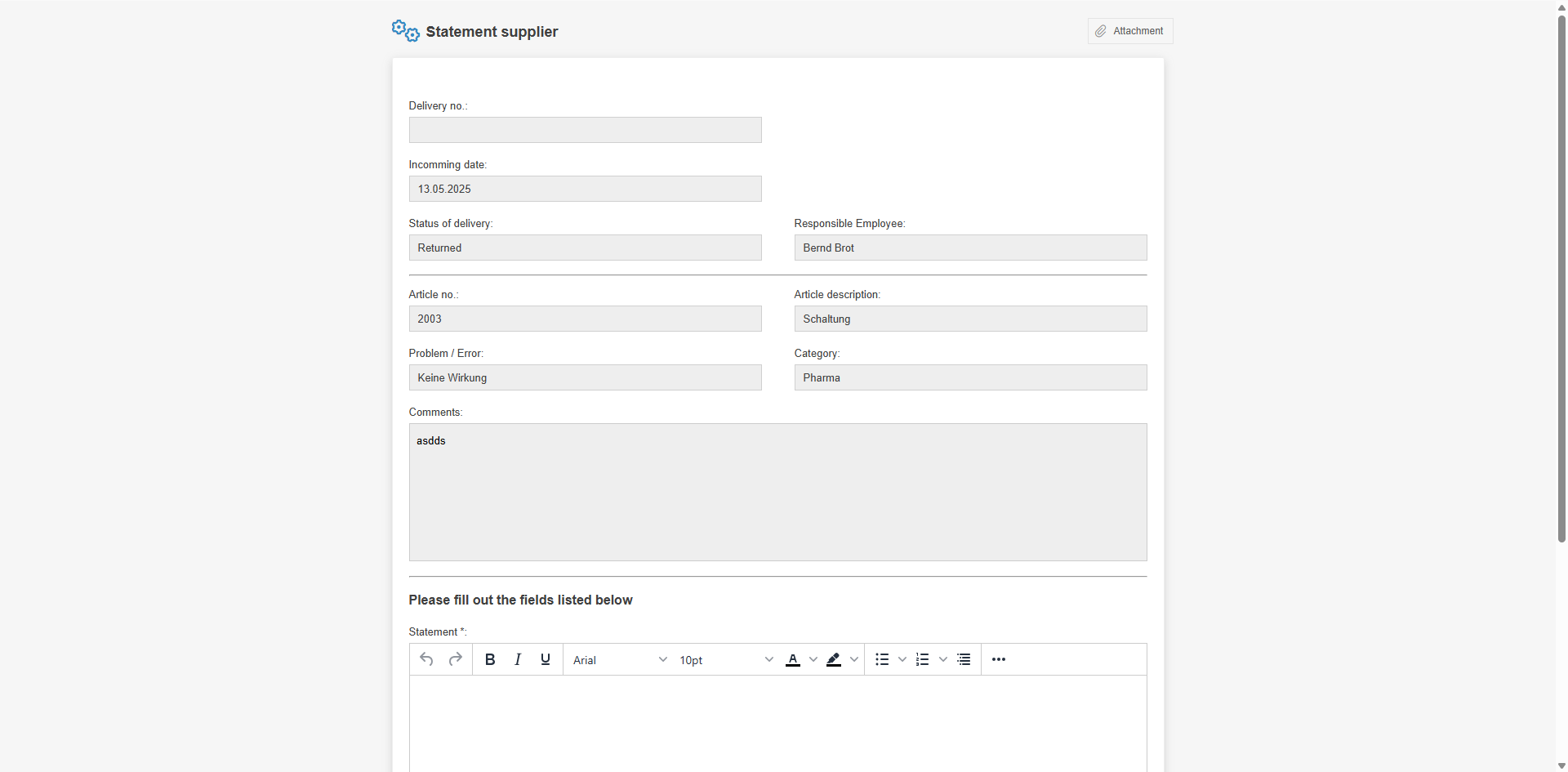
Example: Statement in the workflow Supplier complaint
An example of sending a form is the supplier's statement from the supplier complaint.
How did we do?
Workflow object: Incoming message
Workflow object: Service/Export
