Processes / Documents. New modeling symbols for a horizontal and vertical pool have been added, allowing BMPN-compliant modeling of pools with integrated lanes. When using the pool, new lanes should…
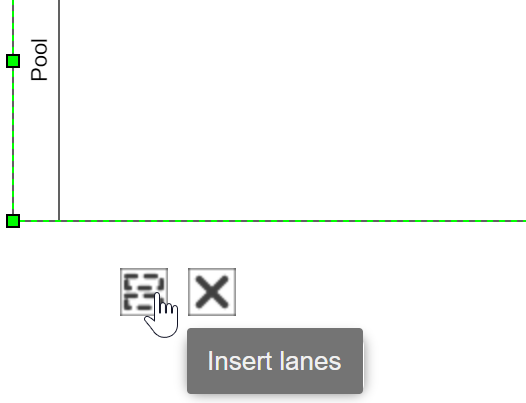
New modeling symbols for a horizontal and vertical pool have been added, allowing BMPN-compliant modeling of pools with integrated lanes.When using the pool, new lanes should only be inserted using its controls and not manually using the lane object from the symbol palette. The linking of organizational units and roles to the pools with integrated lanes behaves in the same way as with the previously known lanes. Regardless of the new pool symbols, the previous lane symbols can continue to be used without restriction.
In process modeling, all event types are now supported according to BPMN 2.0. By right-clicking, start, intermediate and end events can be specified as desired or converted to other events.
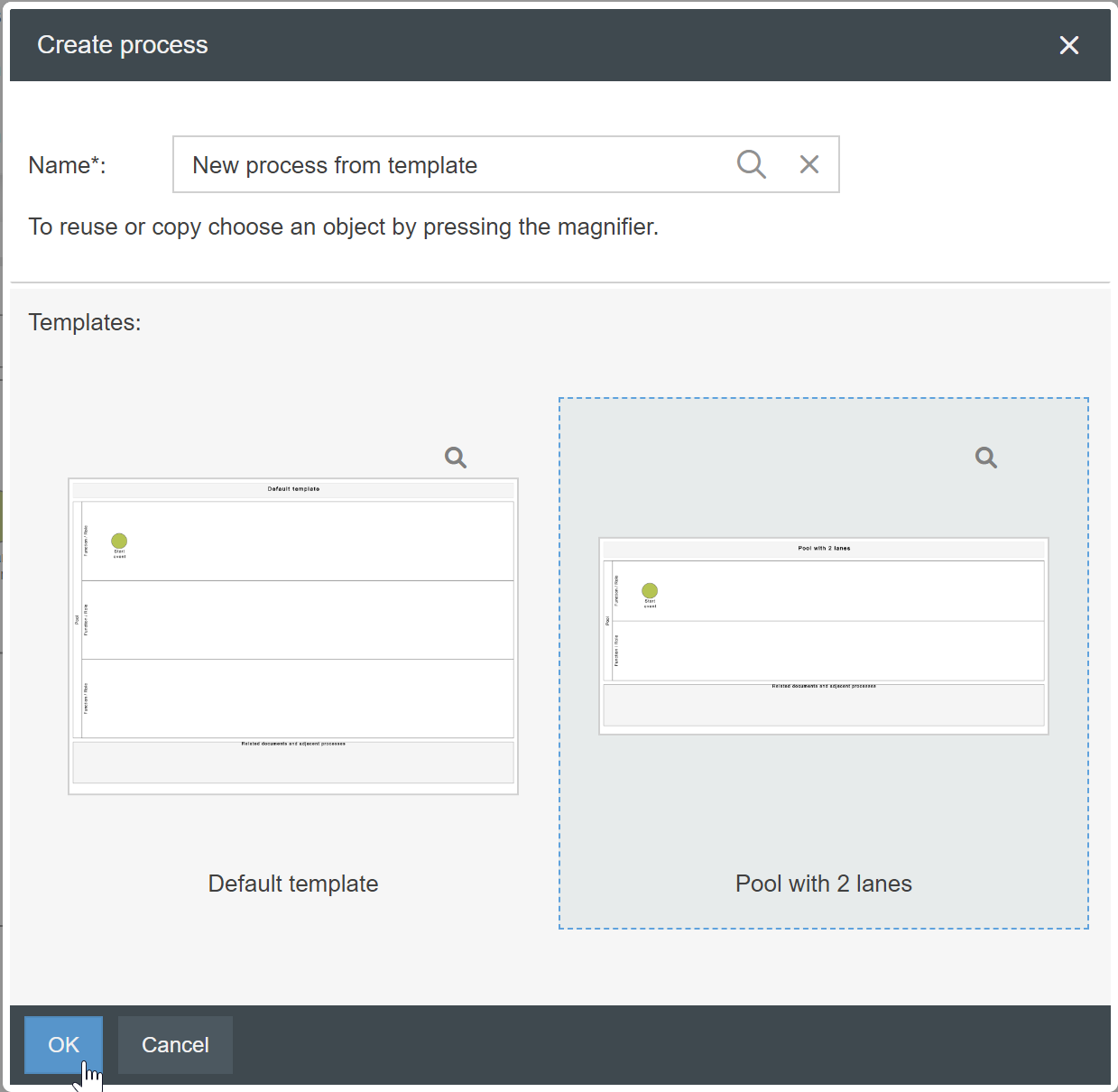
For process groups and processes, layouts can be saved as templates via the <More Actions> button in the Process Designer.When creating new processes, users can select based on which template the new process should be created.The following objects are included in the templates:
Title element with process name
Footer element
Start event
Number, size and formatting of swimlanes (including setting whether the watermark should be visible in swimlanes or not)
Rectangles
The formatting bar in the Process Designer has been revised.
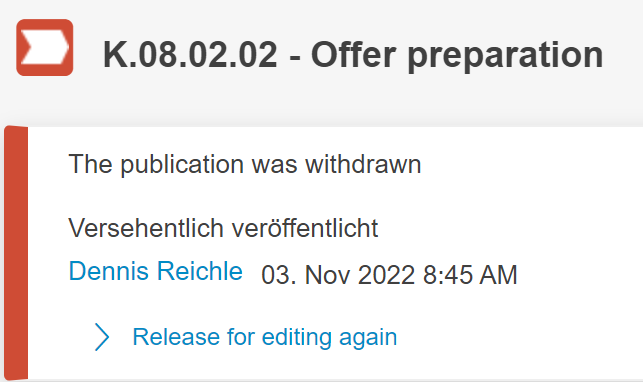
For processes and documents there is a new state 'Withdrawn', which occurs when the publication of a process or document is withdrawn. The object is locked for changes in this status and must first be unlocked again for further editing steps.
In the details of processes and documents the property 'Training relevant' is only displayed if the qualification management module of SmartProcess is used.
Case processing
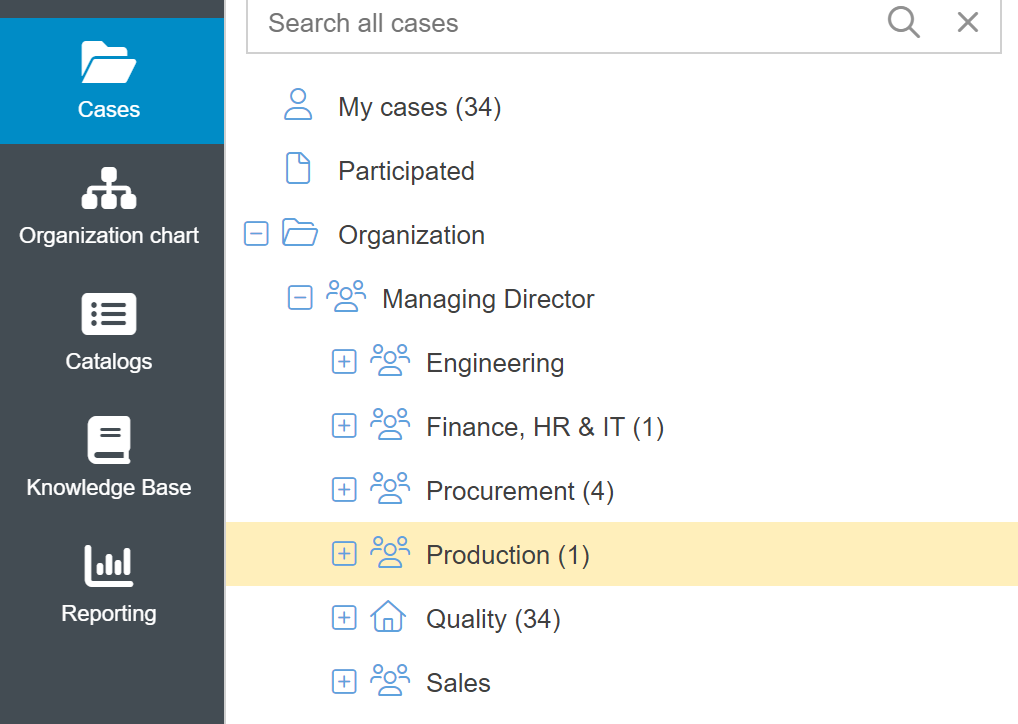
In the expandable 'Organization' section of the Cases menu, the number in brackets now refers exclusively to the open cases that are directly assigned to this organizational unit or role (e.g. Production). Previously, the number also included the tasks of subordinate organizational units (e.g. Production including all subordinate organizational units).
Workflow modeling
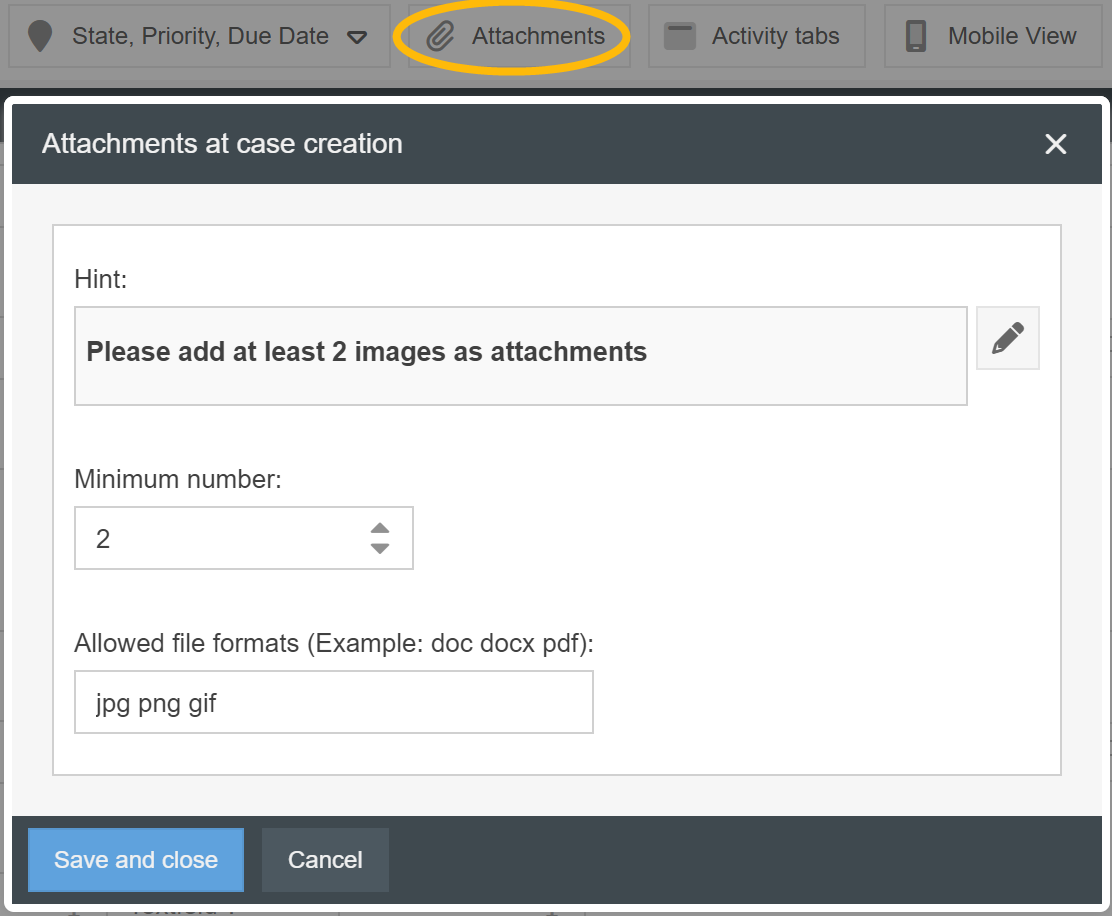
In the form designer there is a new function 'attachments'. With this setting it is possible to force the users of a workflow to add a minimum number of attachments during the creation of a case or an activity. Furthermore, it is possible to restrict which file formats the users are allowed to use for attachments.
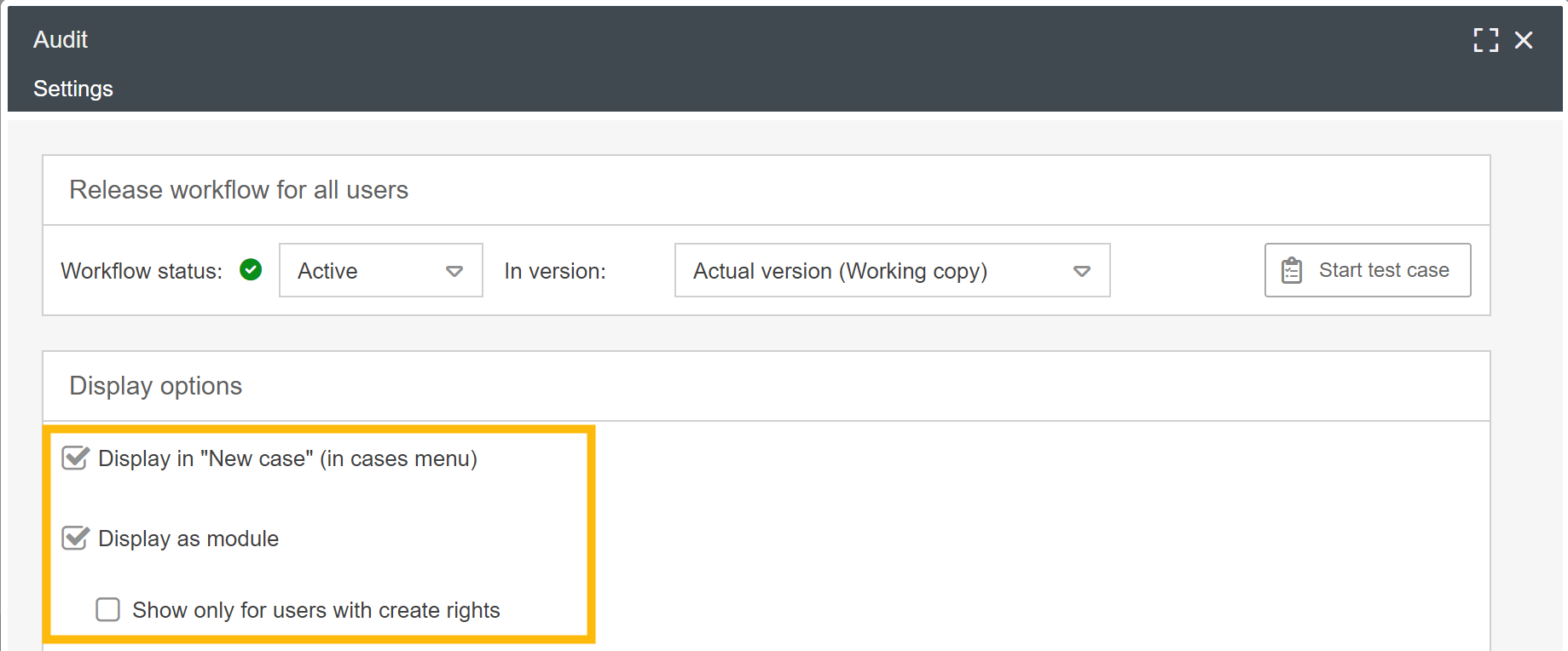
In the workflow settings, it is now possible to specify in a more differentiated way under which conditions the link to a workflow menu should be displayed to a user in the main menu and in the "My Applications" window on the start page.
Mobile web app
In the mobile web app, in addition to images, other file formats can now also be added as attachments to cases.
Reporting
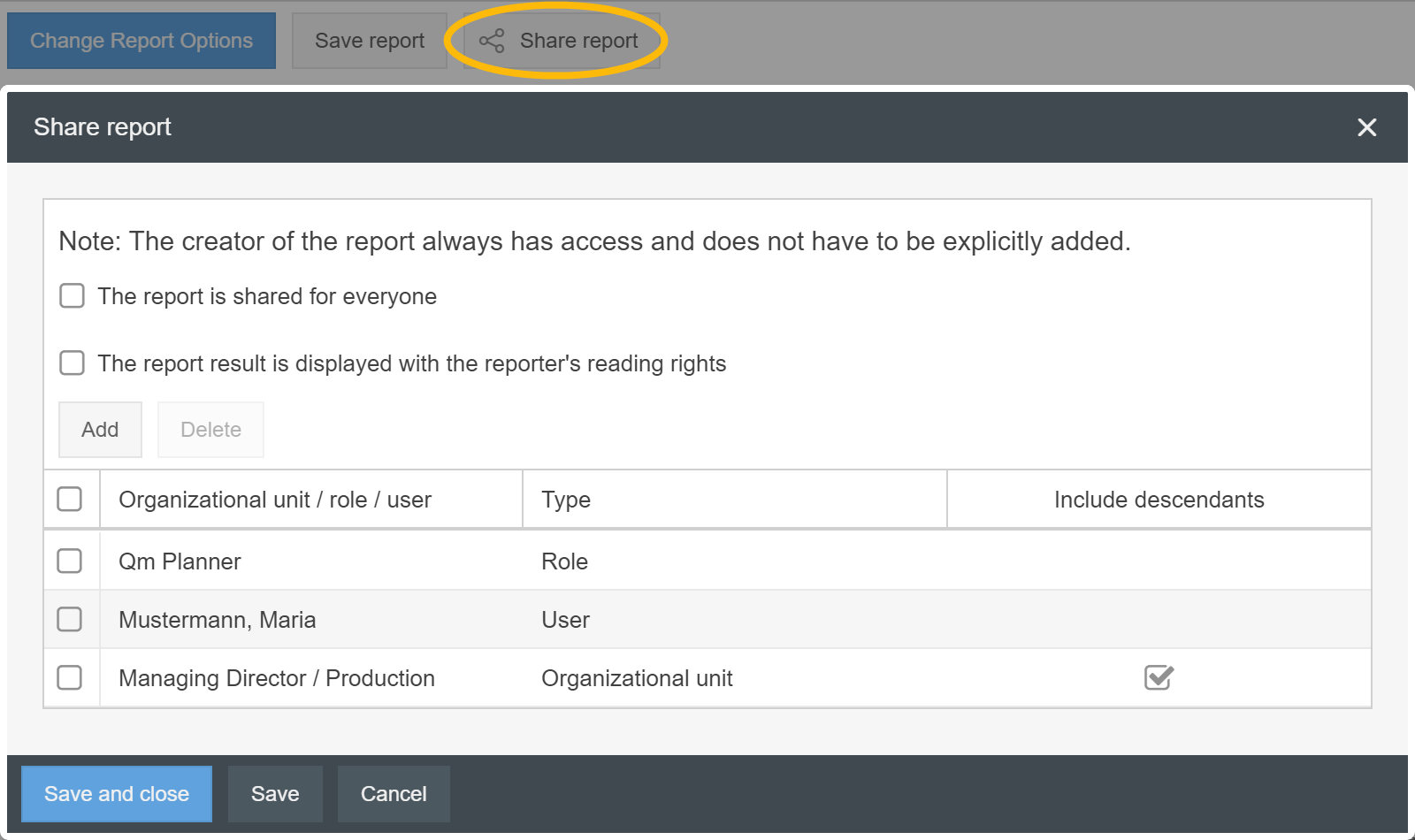
With the new function 'Share Report' it is possible to restrict the visibility of saved reports to selected organizational units, roles or users.
In this context, the wording has been changed from 'Standard reports' to 'Saved reports' and new icons have been added for better differentiation of saved reports.
General
Importing catalog entries is now already possible with an editor license.
Email settings -> When connecting Exchange Mail accounts, an Azure profile via Graph API with Modern Authentication can be used for authentication.
When copying text into a search bar in SmartProcess, accidentally copied spaces at the beginning or end of the search term are filtered out when performing the search.
You can see your current version in the menu Settings - Info about version - Version.